

Have you ever shaken your hands, stretched your fingers, or rubbed your hands to relieve wrist discomfort after working on a computer for several hours? Many people experience this because of office work, remote work, gaming, and prolonged computer use. Especially when you repeat the same movements day after day, it can put extra pressure on the wrist.
Wrist pain or discomfort while using a mouse is common, but it shouldn't be ignored. In many cases, minor discomfort can gradually turn into a more bothersome problem. That's why it's important to learn about mouse wrist pain relief and review workstation habits.
In this guide, you'll learn what causes mouse-related wrist pain, what can help relieve it, and how to prevent it from returning.

How Can You Relieve Wrist Pain From Using a Mouse?
To reduce wrist pain from mouse use, reduce repetitive strain, improve mouse ergonomics, and keep your wrist in a neutral position. Additionally, taking regular movement breaks, doing light wrist stretches, and adjusting your workstation setup can also help. If symptoms persist for a long time or recur repeatedly, you may need a more detailed evaluation.
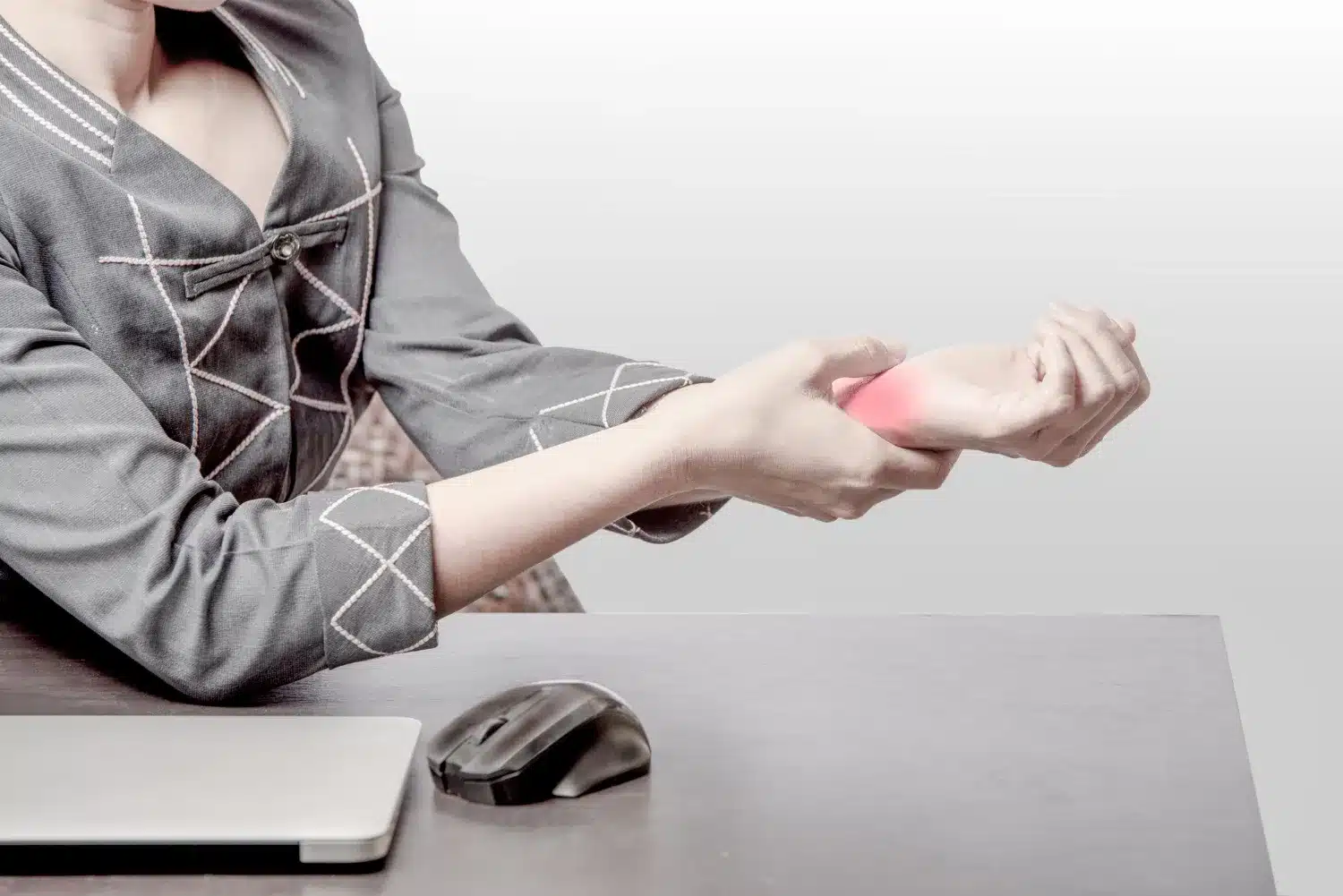
Why Does Your Wrist Hurt When Using a Mouse?
When using a mouse, the hand and wrist make the same small movements over and over again. This repeated movement over a long period of time can put extra stress on the muscles and tendons in the hand and wrist area.
Especially if you use a computer mouse for a long time during the day, some muscles are constantly active. Without adequate rest or changing positions, muscle fatigue can gradually develop. In some cases, discomfort or irritation may also occur around the tendon, which can increase the feeling of wrist strain.

Common Causes of Mouse-Related Wrist Pain
Muscle Fatigue
Using a mouse for long periods of time causes some muscles in the wrist and hand to work continuously. This can cause fatigue, heaviness, or mild discomfort. Symptoms usually subside with rest, but it may help to review your workstation setup regularly.
Tendon Irritation (Tendonitis)
Tendons are the tissues that connect muscles to bones. Repeated movements can irritate them. Symptoms may include pain, discomfort to the touch, or tightness during certain movements. If the problem persists, you may need an evaluation.
Repetitive Strain Injury (RSI)
RSI is not a specific disease, but rather a general name for a variety of problems caused by repetitive work. You may experience pain, stiffness, or fatigue in your wrist, hand, or arm when using a mouse. Take this seriously if the symptoms begin to affect your ability to work.
Carpal Tunnel Syndrome
In some people, pressure may build up on an important nerve in the wrist, which is associated with Carpal Tunnel Syndrome. Common symptoms may include tingling, numbness, or weakness in the fingers. If these symptoms occur regularly, it may be beneficial to seek professional evaluation.
Signs That Your Wrist Pain May Be Getting Worse
If wrist discomfort is gradually increasing, watch for these symptoms. Possible symptoms include:
- Numbness: Numbness in fingers or hands
- Tingling: Tingling or pins-and-needles sensation
- Weak grip: Decreased ability to grasp objects
- Pain when clicking: Pain when clicking the mouse
- Pain at night: Symptoms are worse at night
- Difficulty using the mouse: Difficulty using the mouse normally
If these symptoms occur regularly or worsen over time, you may need a more detailed evaluation.
Mouse Wrist Pain Relief: What Actually Helps?
Take Short Movement Breaks
Using a mouse for long periods can strain your wrists. Many people benefit from following the 30-30 rule: move your hands and body for a short period after about 30 minutes of work. These short breaks can help reduce strain and give your muscles a temporary rest.
Improve Wrist Position
Keep your wrist in a neutral position as much as possible when using a mouse. Bending your wrist up, down, or too far to one side can increase wrist strain. Try to keep your hand, wrist, and arm in a natural and comfortable line.
Adjust Mouse Placement
Sometimes the problem can also be related to mouse position. If the computer mouse is too far from the body, your hand has to reach forward repeatedly, which can put extra pressure on the wrist and shoulder. In a good ergonomic setup, the mouse is usually close to the keyboard and within easy reach.
Reduce Excessive Clicking and Gripping
Many people unknowingly hold the mouse too tightly or click more than necessary. This repeated movement and extra pressure can put extra strain on the muscles and tendons. Try to keep your hands relaxed if possible.
Use Gentle Stretching
Light stretching can help reduce wrist and hand stiffness in some people. However, do not force yourself while stretching. The next section discusses some easy, safe wrist stretches.
Wrist Stretches and Exercises for Relief
Some light stretches and exercises can help reduce wrist stiffness and maintain normal movement. If pain or discomfort increases, you should stop exercising and seek advice.
Wrist Flexor Stretch
Extend one arm straight out in front of you, palm facing up. With the other hand, slowly pull the fingers downward. Hold for 15-30 seconds and repeat 2-3 times. This can help reduce tension in the front of the wrist.
Wrist Extensor Stretch
Hold your hand straight out in front of you, palm facing down. Gently press your fingers down with your other hand. Hold for 15-30 seconds and repeat 2-3 times. This can help maintain flexibility in the back of the wrist.
Wrist Rotations
Gently close your fist and slowly draw circles with your wrist. Rotate 10-15 times in each direction. This can help keep your wrist moving.
Fist-to-Fan Exercise
First, close your fist, then spread your fingers as wide as possible. Repeat 10-15 times. This can help keep the muscles in your hand and fingers active.
Gentle Grip Exercise
Gently squeeze a soft ball or towel, then release. Do 10-15 times. This can help maintain grip strength and control in the hand.
Still Struggling With Wrist Pain During Computer Work?
If wrist pain or discomfort persists even after improving your workstation, stretching, and resting, other causes may be involved. In some cases, nerve irritation, tendon issues, or carpal tunnel syndrome may contribute to the symptoms.
If the pain returns regularly, worsens during work hours, or starts affecting daily activities, you may need a more detailed evaluation. At Rugby, we assess wrist, hand, and upper limb problems to help understand potential causes and create a personalized treatment plan tailored to your needs.