
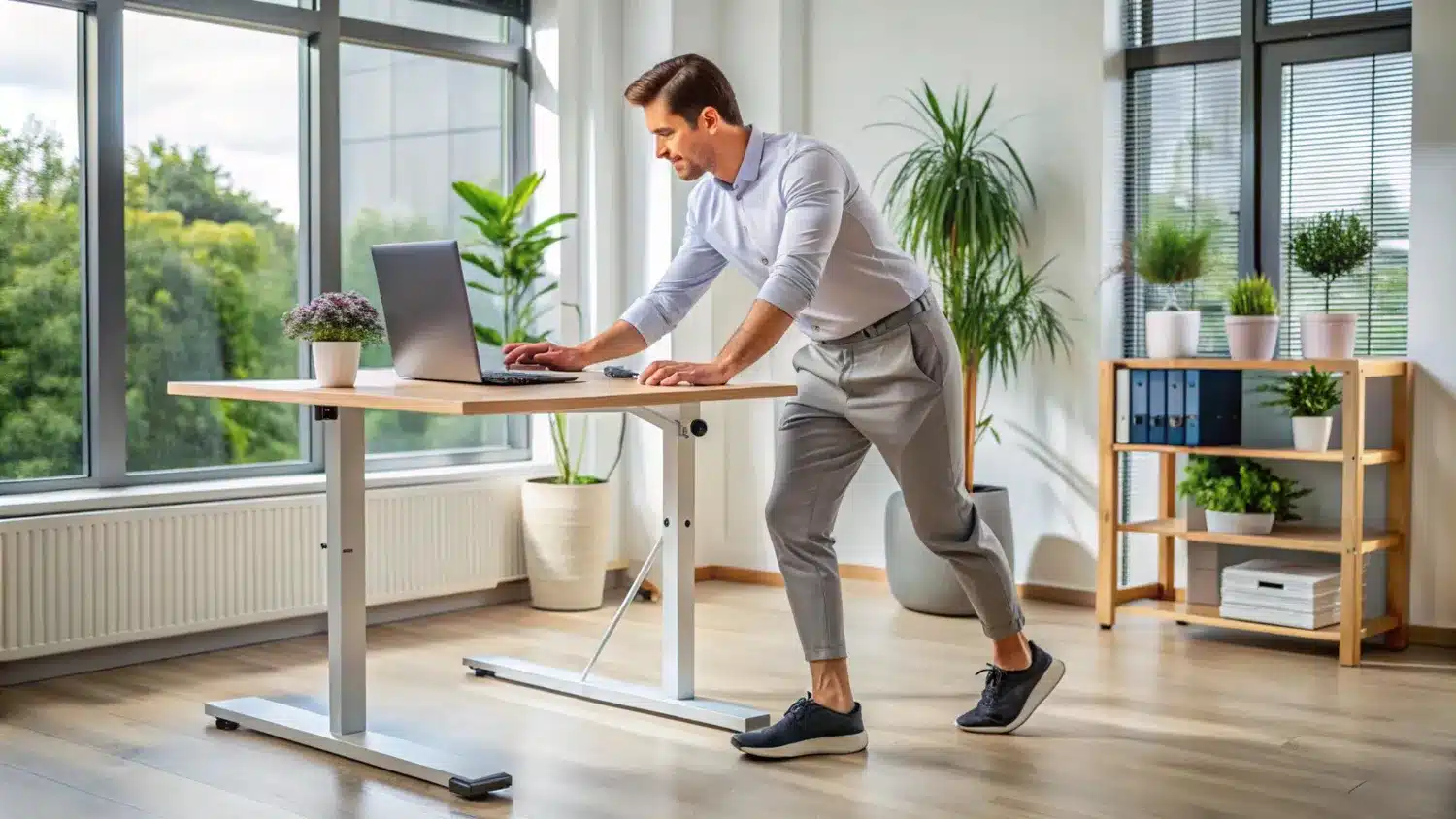
After working at a standing desk for hours, have you ever wondered why your back, neck, or leg discomfort increases even when you work standing? More people now use standing desks at home and in the office to improve comfort and support healthy working habits.
Many people think that simply buying a standing desk will automatically improve posture and reduce body pain. But in reality, it's not that simple. Incorrect standing desk posture, standing all day, or some simple setup errors can cause new types of discomfort.
In this guide, you'll learn the most common standing desk posture mistakes, why they happen, and how to avoid them.
What Are the Most Common Standing Desk Posture Mistakes?
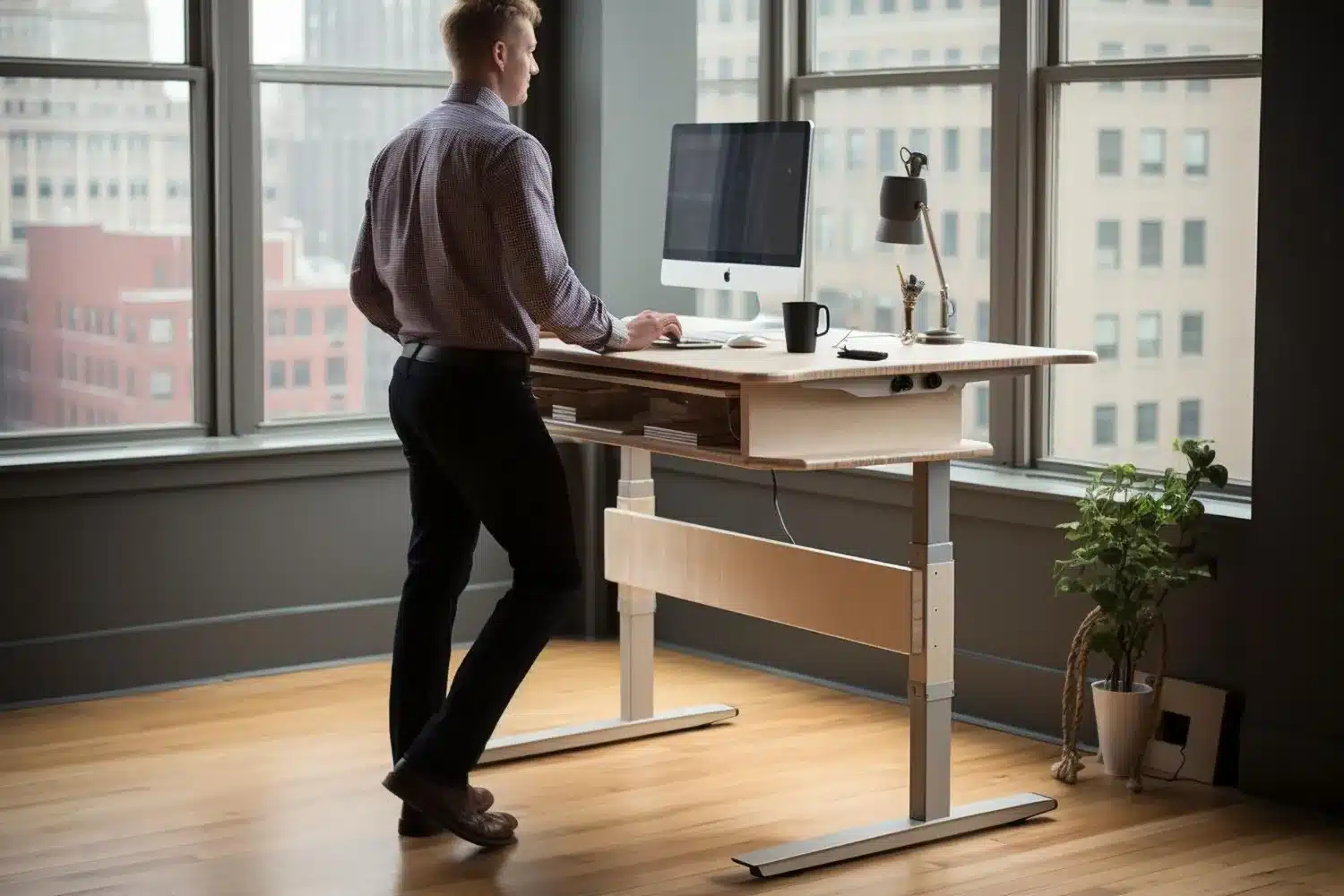
Many people make the same mistakes when using a standing desk. They often stand for too long, set the desk at the wrong height, position the monitor incorrectly, lean too much on one leg, stay in one position for too long, or skip regular movement breaks. In addition, many people work standing, despite maintaining poor posture. It is important to remember that the goal is not to stand all day, but to balance sitting and standing and keep the body in as natural a position as possible.
Why Standing Desks Are Helpful (But Not a Magic Fix)
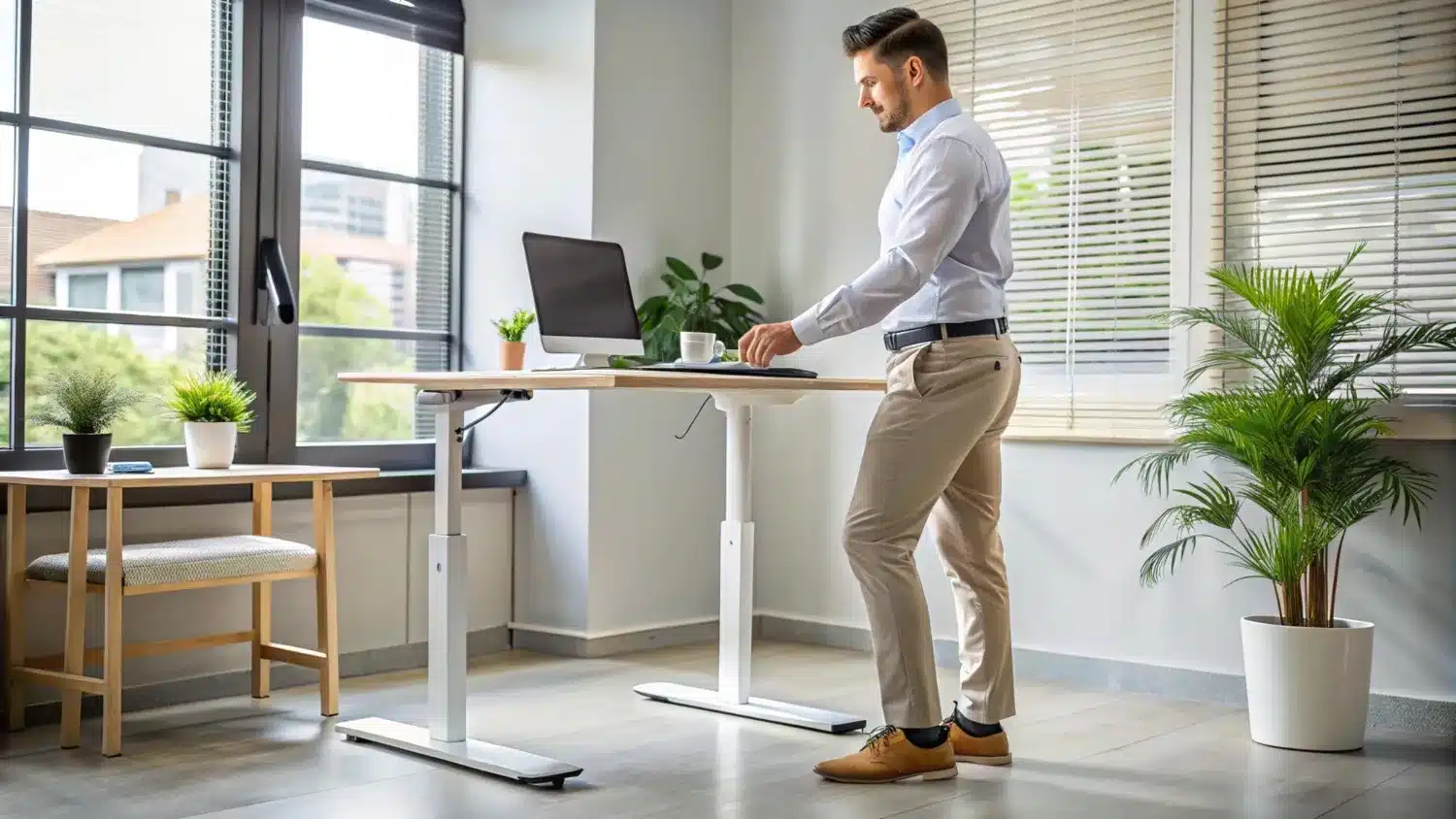
There are some real benefits to using a standing desk. It can help reduce the time you spend sitting, allow your body to move more, and, for many, increase awareness of your posture. Using a sit-stand desk, especially a height-adjustable desk, makes it easier to switch between sitting and standing throughout the day.
But one important thing to note is that a standing desk alone does not promote good posture. If someone is still standing and leaning forward, keeping their shoulders stiff, or using the monitor at the wrong height, it can cause discomfort and strain. So it's not just about sitting; the way you use your body also plays an important role.
The Biggest Misconception: Standing All Day Is Better
Many people think that standing all day instead of sitting and working will solve all their problems. But in reality, this is one of the most common misconceptions. In many cases, people replace one fixed position with another.
Standing all day is not always ideal for the body. Prolonged standing can put extra stress on the leg muscles, hips, and waist. Muscle fatigue can worsen over time, and some people may experience heaviness or discomfort in their legs. Staying in the same position for long periods can also limit normal changes in blood circulation.
Common Standing Desk Posture Mistakes
Mistake #1: Standing for Too Long
Many people try to stand for hours at a time after starting to use a standing desk. This can lead to leg fatigue, calf muscle tension, and lower back discomfort. It is usually more effective to increase standing time and follow a gradual standing schedule.
Mistake #2: Setting the Desk at the Wrong Height
If your desk height is incorrect, your body can quickly shift into an uncomfortable position. If your desk is too high, you may unconsciously raise your shoulders, increasing the risk of shoulder tension and wrist strain. On the other hand, if the desk is too low, people tend to lean forward while working, which can increase neck pain and back strain.
In general, the correct height is one at which the elbow is about 90 degrees, and the hand can maintain a neutral position.
Mistake #3: Monitor Positioned Too High or Too Low
If the monitor is too high or too low, the normal neck position can change. In general, it is best to keep the top of the screen close to eye level and at about arm's length. This can reduce the risk of forward head posture.
Mistake #4: Leaning on One Leg
Many people unknowingly shift most of their body weight onto one leg while standing. This can lead to pelvic imbalance and more stress on one side of the body. This uneven loading can cause lower back strain and hip discomfort over time. Therefore, it is beneficial to regularly change the weight and keep the weight evenly distributed on both feet.
Mistake #5: Standing Completely Still
Using a standing desk doesn't mean standing still. Standing in the same position for long periods can reduce your body's natural movement and limit circulation. Small movements can help keep your body more comfortable.
Mistake #6: Not Using an Anti-Fatigue Mat
Working on hard floors for long periods of time can put pressure on your feet, knees, and hips. An anti-fatigue mat provides cushioning, which can improve foot comfort. For many people, this makes maintaining a standing desk posture more comfortable for long periods of time and can help reduce joint loading somewhat.
Mistake #7: Ignoring Footwear
Many people overlook the role of shoes when thinking about posture. Still, poor shoe support can lead to rapid fatigue when working on hard floors for long periods. Standing for too long can put extra stress on your leg muscles, knees, and hips. Comfortable and supportive footwear can help maintain long-term comfort.
Mistake #8: Forgetting About Sitting Posture
Even if you use a standing desk, you still have to sit for some time during the day. So it's not enough to maintain a good standing posture. A proper office chair, adequate lumbar support, and proper screen position are still important. You can usually achieve the best results by alternating between sitting and standing while maintaining good posture in both positions.
Mistake #9: Using the Same Position for Every Task
The same posture is not always ideal for all types of work. For example, checking email or doing minor administrative tasks may be more convenient while standing. On the other hand, sitting during intensive work or long meetings may be more comfortable for many people. Walking or standing while on the phone can be a good option. Changing positions according to the type of work you do helps relieve stress on the body from prolonged inactivity.
What Good Standing Desk Posture Looks Like
Proper standing desk posture doesn't mean standing completely stiffly. Rather, it means keeping the body in a natural, balanced position that reduces unnecessary stress.
- Head over shoulders: The head should rest naturally on the shoulders, not lean forward.
- Shoulders relaxed: The shoulders should be relaxed, not lifted or tightened.
- Neutral spine: The spine will maintain its natural curve.
- Elbows at 90 degrees: The elbows will be at about a 90° angle and close to the body.
- Wrists neutral: The wrists should not be excessively bent or raised while typing.
- Feet balanced: The body weight should be distributed as evenly as possible between the two legs.
- Screen at eye level: The top of the monitor should be close to eye level so you don't have to bend your neck up or down repeatedly.
These small things can work together to help keep the body in a more comfortable position.
The Real Goal: Dynamic Working, Not Perfect Standing
Many people forget one important thing in their quest for the "perfect posture": The human body did not evolve to remain in the same position for long periods. In reality, there is no single perfect posture for the entire day.
The most effective long-term approach is posture variation, regular movement, and changing positions according to the type of work. Some tasks may be more comfortable to do sitting, others standing, and others walking. This concept is what many experts call active working. In most cases, it is the most natural and sustainable method for the body.
Still Experiencing Pain Despite Improving Your Standing Desk Setup?
Using a standing desk, adjusting your workstation, and improving your posture can benefit many people. However, in some cases, neck, shoulder, or back discomfort does not completely resolve or returns repeatedly despite these changes.
If pain or discomfort persists despite ergonomic changes, standing desk adjustments, and posture improvements, a more detailed evaluation may be necessary. A physiotherapist can help you understand the possible causes of the problem by assessing your movement, posture, and physical function.
In Rugby, we help people identify what may be contributing to their pain or discomfort and develop a personalised treatment plan based on their individual needs.